Browser Compatibility,
Simplified.
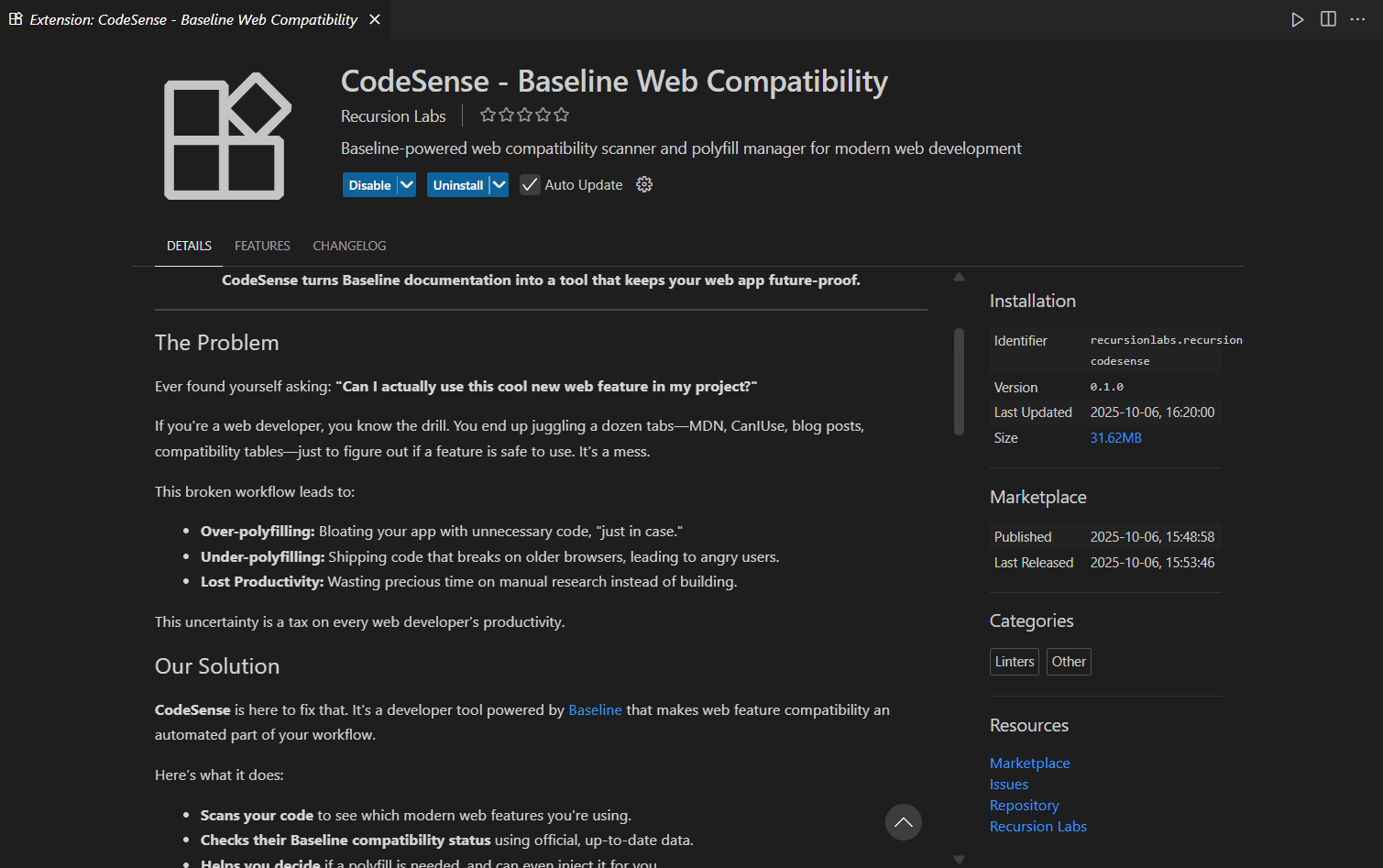
Codesense is a VS Code extension that automatically checks browser compatibility in real-time, powered by official Baseline data. Write code with confidence.
Powerful Features
Everything you need to ensure browser compatibility in your VS Code projects
Scan Project for Baseline Compatibility
Analyze your entire project to identify modern web features and check their browser compatibility against official Baseline data.
CodeSense.scanProjectScan Current File
Quickly check compatibility for the file you're currently working on. Get instant feedback without scanning the entire project.
CodeSense.scanFileGenerate Compatibility Report
Create detailed compatibility reports showing APIs used, their support status, severity levels, and affected file locations.
CodeSense.generateReportInject Required Polyfills
Automatically inject polyfills for unsupported features, ensuring your code works across all target browsers.
CodeSense.injectPolyfillsShow Compatibility Dashboard
View an interactive dashboard with compatibility scores, detailed results, and visual insights about your project's browser support.
CodeSense.showDashboardSee It In Action
Seamlessly integrated into your VS Code workflow
Command Palette Integration
Access all Codesense features directly from the VS Code command palette

Detailed Compatibility Reports
Get comprehensive reports with compatibility scores, API usage, and severity levels

VS Code Marketplace
Install with one click from the official VS Code Marketplace
How It Works
Get started in minutes with our simple, four-step process
Install Extension
Download Codesense from the VS Code marketplace with a single click. No additional setup or configuration needed.
Scan Your Project
Use the command palette to scan your entire project or individual files. Codesense analyzes all web APIs and features you're using.
Review Report
Get a detailed compatibility report showing which APIs have limited support, with severity levels and exact line numbers.
Fix & Deploy
Inject polyfills automatically or refactor code based on recommendations. Ship with confidence knowing browser support is covered.
Future Roadmap
Exciting features on the horizon to make your development workflow even more powerful
AI-Powered Suggestions
Get intelligent code recommendations and automatic fixes for compatibility issues using advanced AI
Team Collaboration
Share compatibility reports, set team-wide browser support policies, and track issues together
CI/CD Integration
Integrate compatibility checks into your build pipeline with GitHub Actions, GitLab CI, and more
Cloud Sync & Profiles
Sync your settings and compatibility profiles across multiple devices and team members
Real-time Collaboration
Live compatibility monitoring with instant notifications when team members introduce breaking changes
Branch Comparison
Compare compatibility between branches and see compatibility impact of pull requests
Advanced Analytics
Detailed insights, trends, and metrics about your project's browser compatibility over time
Custom Baseline Rules
Define your own compatibility rules and custom browser support targets for specific projects
Have a feature request or idea?
Share Your FeedbackReady to Build with
Confidence?
Join thousands of developers who trust Codesense to ensure their code works everywhere. Start checking browser compatibility today.